


Polychrome Computer
Compact creativitySing your melody, find the key and work out the chords.
Play it anywhere an idea finds you. Real chords, real voicings and real songwriting.
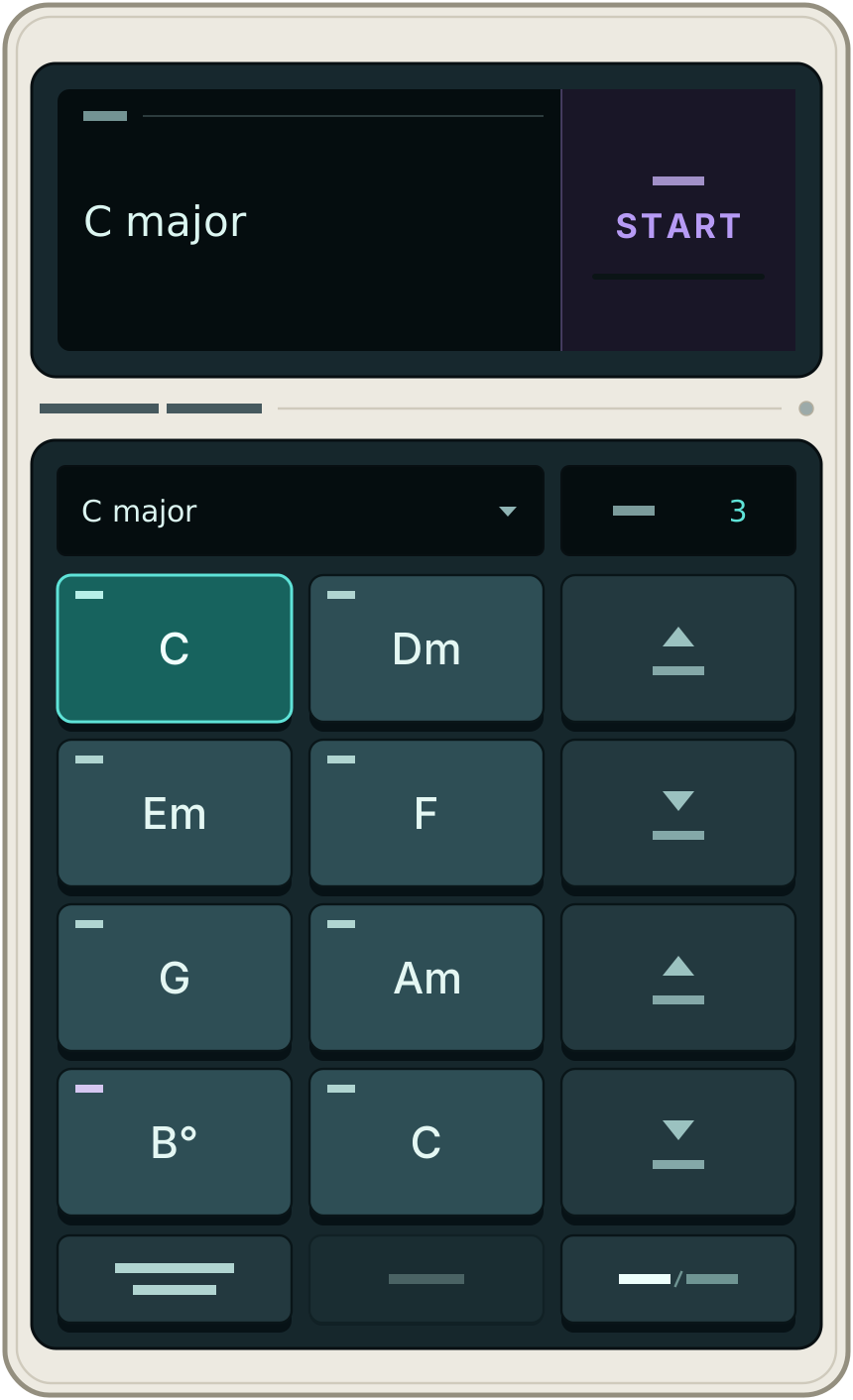
Using it
-
Sing something
Tap to start, then sing or hum a melody. Hold each note for a moment to identify the key.
-
See the chords
Tap again to stop. The eight chords of that key appear, labelled by scale degree.
-
Write your progression
Work out the chord progression that fits your melody with the eight chord buttons.
-
Switch voicings
Press SHIFT CHORD VOICING and tap a chord button to change to sevenths, sus2, sus4, add9, first inversion or no third. RESET returns all chords to triads.
It is laid out like a calculator, and it installs like one: add it to your home screen and use it offline.
Nothing is recorded
Audio is analysed frame by frame in memory and discarded as it goes.
When you stop, switch tabs or open another app, audio input closes instead of holding your microphone open in the background.
Specifications
| Input | Microphone |
|---|---|
| Recording | None. Audio is analysed in memory and discarded as it goes |
| Detects | Keys and firms up as you sing |
| Output | 8 labelled chords |
| Voicings | Sevenths, sus2, sus4, add9, first inversion, no third |
| Transpose | By semitone and octave |
| Browser | Chrome or Edge recommended |
| Mobile | Yes |
| Offline | After first load and installable to your home screen |
| Price | Free |